


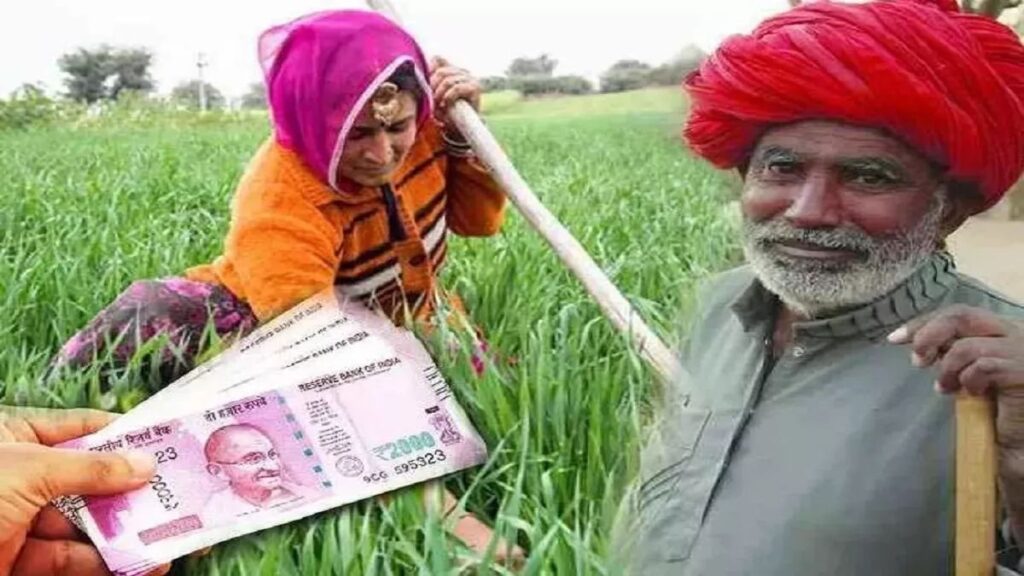
The Central Government would distribute the 14th payment of the Pradhan Mantri Kisan Samman Nidhi (PM Kisan Yojana) the following week. Thousands of Indian farmers who had been anticipating the 14th installment of PM Kisan were delighted by the news. The government would provide around Rs 8.5 crore to PM Kisan recipients under this program.
It is important to note that farmers who have not yet completed e-KYC and land verification risk having their 14th payment delayed.
All landholding farmer households get a cash benefit of Rs. 60001 year per family under the PM-KISAN plan, payable in three equal payments of Rs. 20001 each, every four months.
Notably, the PM-Kisan Samman Nidhi Yojana’s 14th payment would be sent into a bank account that is linked to both NPCI and Aadhaar. You must confirm that your account is an NPCI and Aadhaar-linked bank account as a consequence.
According to the official website, “eKYC is MANDATORY for PMKISAN Registered Farmers.” For biometric-based eKYC, you may call the closest CSC centers or use the OTP Based eKYC option on the PMKISAN Portal.
When will the fourteenth episode of PM Kisan be released?
On July 27, 2023, in the Sikar district of Rajasthan, the government would deposit the 14th payment into the bank accounts of qualified farmers, according to the PM KISAN scheme’s official Twitter handle.
How to verify your name on the beneficiary list in PM KISAN, step by step
Visit the PM Kisan official website at https://pmkisan.gov.in/ as the first step.
Step 2: Select the ‘Beneficiary list’ tab that is located in the page’s right corner.
Step 3: Using the drop-down menu, pick the state, district, sub-district, block, and village that you want to use.
Step 4: Select the ‘Get report’ option.
The recipient list’s specifics will be made public.
Alternatively, people may call the PM-Kisan Helpline at (855) 265-261/011-2430-0606.
How can I sign up to get benefits from the PM Kisan Yojana?
Visit the PM Kisan website at pmkisan.gov.in as the first step.
Step 2: Select Farmers Corner from the menu.
3. Select the ‘New Farmer Registration’ link.
Step 4: Decide whether to register as a rural farmer or an urban farmer.
Step 5: Enter your Aadhaar number, phone number, state, and click “Get OTP.”
Step 6: Input the OTP to continue with registration.
Step 7: Complete the remaining fields, including the district, state, and personal information.
Step 8: Press the “Submit for Aadhaar authentication” button.
Step 9: After your Aadhaar has been successfully authenticated, input the information about your land, add any supporting papers, and then click “Save.”
A notification of approval or rejection will appear on your screen.
How should you proceed if you forget your registration number?
Click the Know Your Registration Number link if you are unsure about your registration number. You’ll see a page appear in front of you. Enter your mobile number or Aadhaar number to complete the captcha. Your registration number will be given to you. The beneficiary status link on the site must now be clicked.
You will next need to input the captcha code and your registration number. Your status will be shown after you click Get Data.