


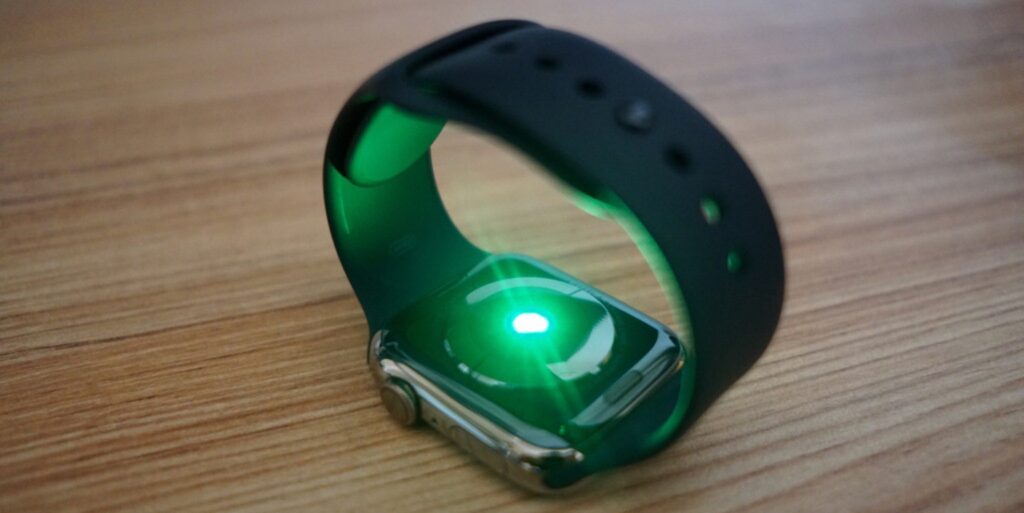
If you use an Apple Watch, you may want to keep track of your heart rate history so you can measure your fitness progress and alter your exercise regimen. Fortunately, this is a straightforward procedure that you can do using your iPhone and Apple Watch.
HOW TO VIEW YOUR HEART RATE DATA ON YOUR APPLE WATCH IN THESE STEPS
1. Launch the Heart Rate app.
-Your heart rate will be shown right now.
– To see more in-depth information, use the Digital Crown to scroll down.
You may examine statistics about your heart rate at rest, walking speed, heart rate during exercise, and heart rate recovery.
You may use this information to decide on your training regimen and general well-being since it gives you a thorough picture of your heart health and degree of fitness.
FOLLOW THESE EASY STEPS TO VIEW YOUR IPHONE’S HEART RATE HISTORY:
– On your iPhone, launch the “Health” app.
At the bottom of the screen, tap the “Browse” tab.
– Select “Heart Rate” under the “Heart” category by scrolling down.
– You may see your daily, weekly, monthly, or yearly heart rate history.
You may also monitor your heart rate while exercising by using the “Heart Rate” function on your Apple Watch. This will enable you to continuously monitor your heart rate and modify the intensity of your exercise as necessary.
You can simply check your heart rate history and make wise choices about your health and fitness by using the “Health” app on your Apple Watch and iPhone.
When used with the Heart Rate app or the ECG app, the built-in electrodes in the Digital Crown and the rear of Apple Watch Series 4, Series 5, Series 6, Series 7, Series 8, or Ultra may monitor the electrical impulses throughout your heart.