


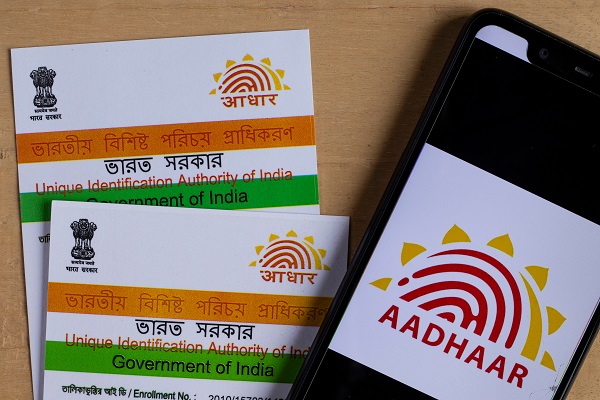
One of the required documentation for a number of government services is now an Aadhaar card. It’s an identification and address verification document with a picture on it. Anytime, Aadhaar data, including photos, may be changed. Here’s how to change your Aadhaar card’s picture.
You may alter the picture on your Aadhaar card for a nominal price of Rs 100. Additionally, you must visit the Aadhaar Permanent Enrollment Center in your area to update the picture on your Aadhaar card. It is not feasible to make biometric and picture updates online.
How Can My Aadhaar Card Photo Be Changed?
Go to the Aadhaar Permanent Enrollment Center that is closest to you.
– Complete the enrollment form, which may be obtained at the center or online.
– Send in the application.
– Your picture will be taken by the executive.
To update the biometric information, pay Rs 100.
How Can I Download My Aadhaar Card Updated with a New Photo?
– Access the official UIDAI portal.
– In the homepage’s My Aadhaar section, choose the “Download Aadhaar” option.
Select the “Aadhaar Number,” “Enrollment ID,” or “Virtual ID” option to get e-Aadhaar.
– Enter your selection’s information now.
-Before issuing an OTP on your registered phone number, confirm the CAPTCHA code.
To confirm the procedure, enter the OTP.
– A password-protected version of your e-Aadhaar will download to your device.
According to UIDAI, the password for this e-Aadhaar is your birth year and the first four letters of your name, all capitalized.