


























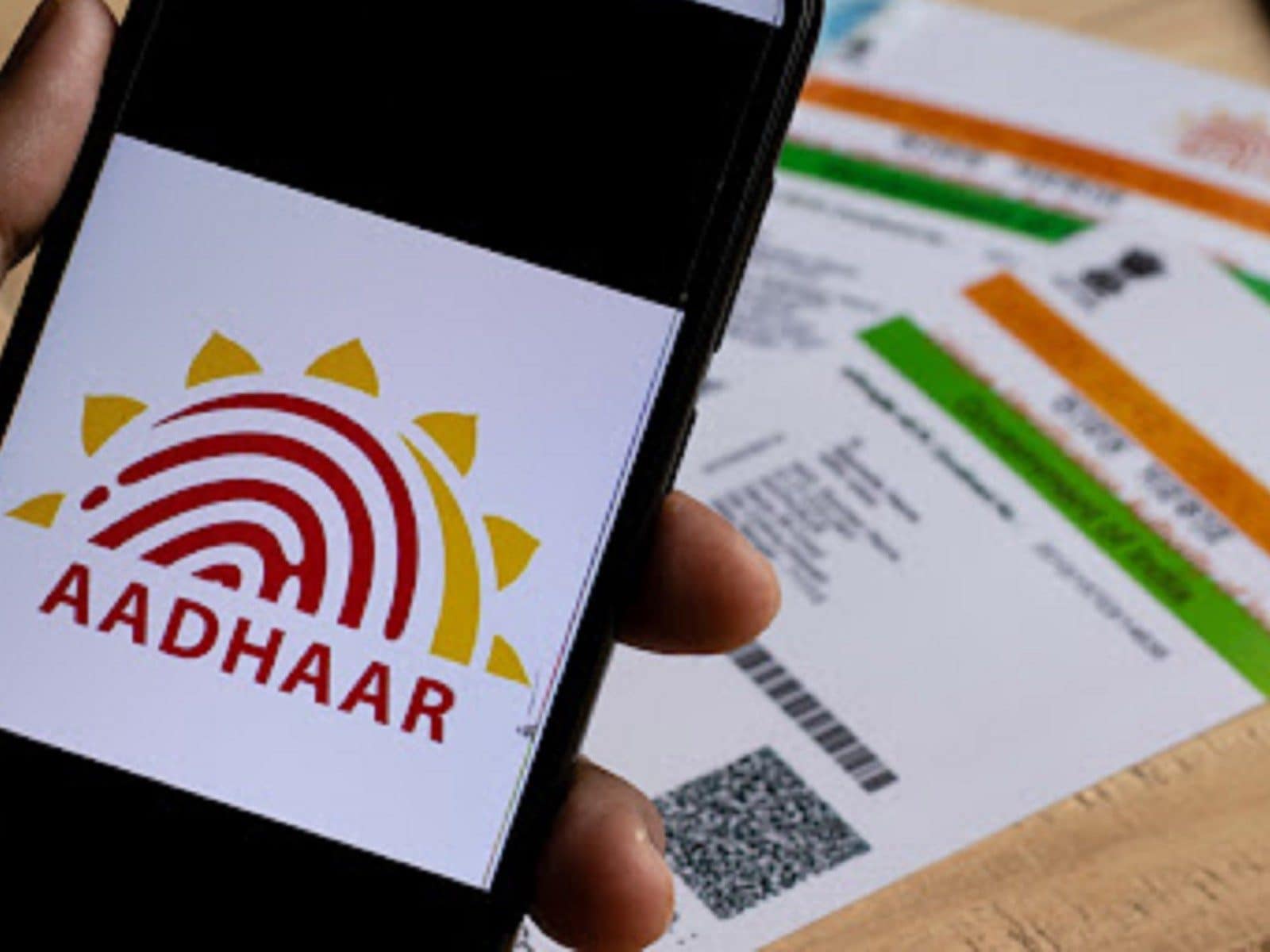
Residents may confirm their cellphone numbers and email addresses seeded with their Aadhaar via the Unique Identification Authority of India (UIDAI). You should be aware that you can only confirm the email address or cellphone number that is connected to your Aadhaar. Before trying to verify them, you must first connect your email address or mobile number to Aadhaar if you haven’t already done so.
“The UIDAI was made aware that, in certain cases, people were unsure or unaware of which of their mobile numbers was seeded to their Aadhaar. Residents were concerned that the Aadhaar OTP would be sent to an other cellphone number as a result. With this feature, homeowners may now verify these relatively quickly, according to a PIB release from the Ministry of Electronics & IT.
How can I use my Aadhaar to validate my email and phone?
On the official website (https://myaadhaar.uidai.gov.in/), under the ‘Verify Email/Mobile Number’ feature, or via the mAadhaar App, the service is accessible. It was created so that locals could confirm that their personal email or cellphone number was seeded with the appropriate Aadhaar.
Residents may use this tool to validate that any email addresses or cellphone numbers they are aware of have only been seeded to the appropriate Aadhaar. Additionally, it alerts residents when a specific mobile number is not linked and advises them to update the mobile number if they choose.
Residents will get a notification on their screen saying something like, “The mobile number you have entered is already verified with our records,” if the mobile number has previously been authenticated.
The final three digits of the mobile number may be checked using the Verify Aadhaar function on the MyAadhaar webpage or mAadhaar App if a person cannot recall the mobile number they provided during enrollment.
Follow these steps to confirm your email address and cellphone number on Aadhaar:
Please go to the UIDAI website: Go to the “Aadhaar Services” section of the UIDAI website at https://uidai.gov.in/ and choose the “Verify Email/Mobile Number” option.
Put in your Aadhaar number: Your 12-digit Aadhaar number should be entered in the designated field.
Enter a mobile number or email address: Type in the email address or cellphone number you wish to confirm.
Find OTP: A one-time password (OTP) will be issued to your registered cellphone number when you click the “Get One Time Password” button.
Put in OTP: Once you’ve entered the OTP, press the “Verify OTP” button.
Verification accomplished: You will get a message verifying the successful verification of the email address or cellphone number.